NimbleScribe
Offline, on-device AI dictation app for macOS & Windows — press a shortcut, speak, and text appears at your cursor in any app.
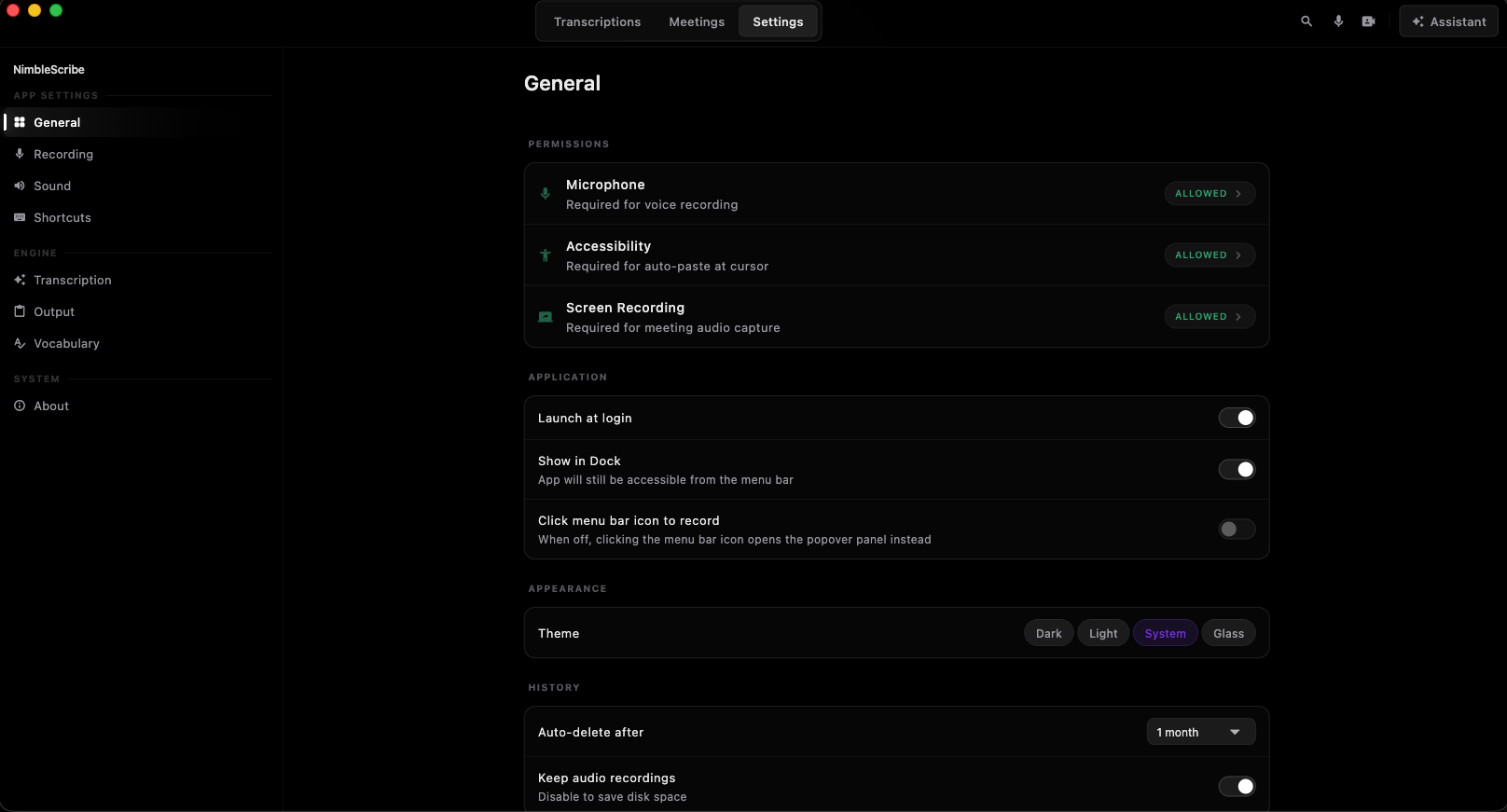
NimbleScribe is an offline-first AI dictation app I built for developers and knowledge workers. Press a global shortcut, speak naturally, and clean text is injected directly at your cursor — in any app, any window. It records meetings privately (no bots, no links), runs a local AI assistant, and never sends a single byte to the cloud. Free forever.
I built this because I wanted a tool I'd genuinely use every day. I had meetings, voice notes, and ideas scattered everywhere — and every existing tool either required a subscription or phoned home to some cloud. I wanted something that respects privacy, works offline, and just stays out of the way. So I built it.
Most dictation tools force a trade-off: send your voice to the cloud (privacy risk, latency, monthly fees) or settle for clunky built-in OS dictation. For anyone handling sensitive work — lawyers, doctors, developers, founders — cloud dictation is a non-starter. I wanted something fast, private, and system-wide that just works.
I built NimbleScribe to run 100% offline. OpenAI Whisper (via whisper.cpp) handles speech-to-text on-device; a local Qwen2.5 LLM (via llama.cpp) powers grammar cleanup and an in-app AI assistant — no API key, no billing. Text is injected at the cursor through the OS Accessibility API. It's air-gapped by design, not as an afterthought.
Designed the full product experience, built the .NET backend and Tauri desktop shell, integrated on-device Whisper and Qwen2.5 via llama.cpp, and implemented the OS-level Accessibility API text injection system.

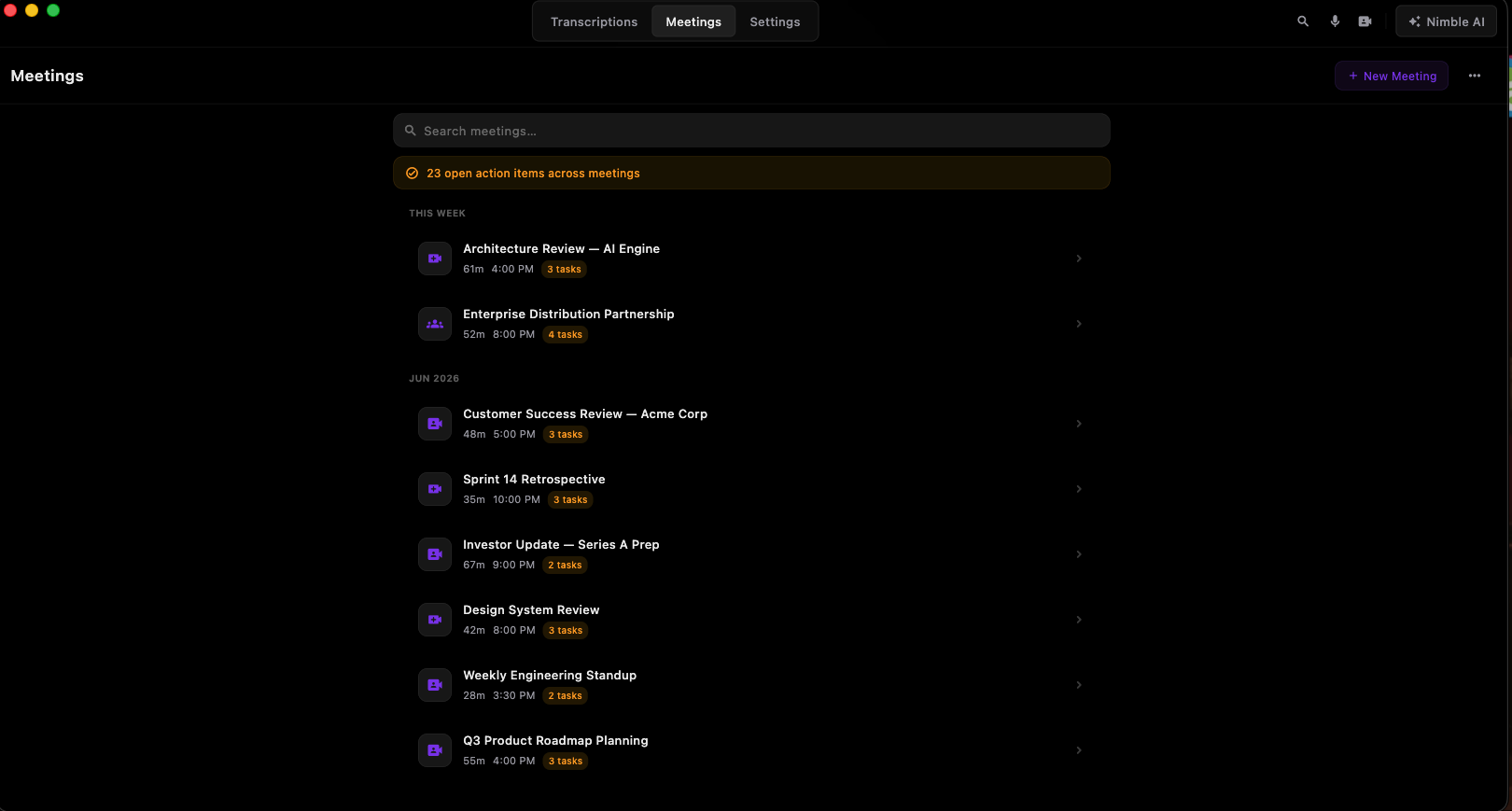
Dashboard
Overview of your transcripts and productivity stats.
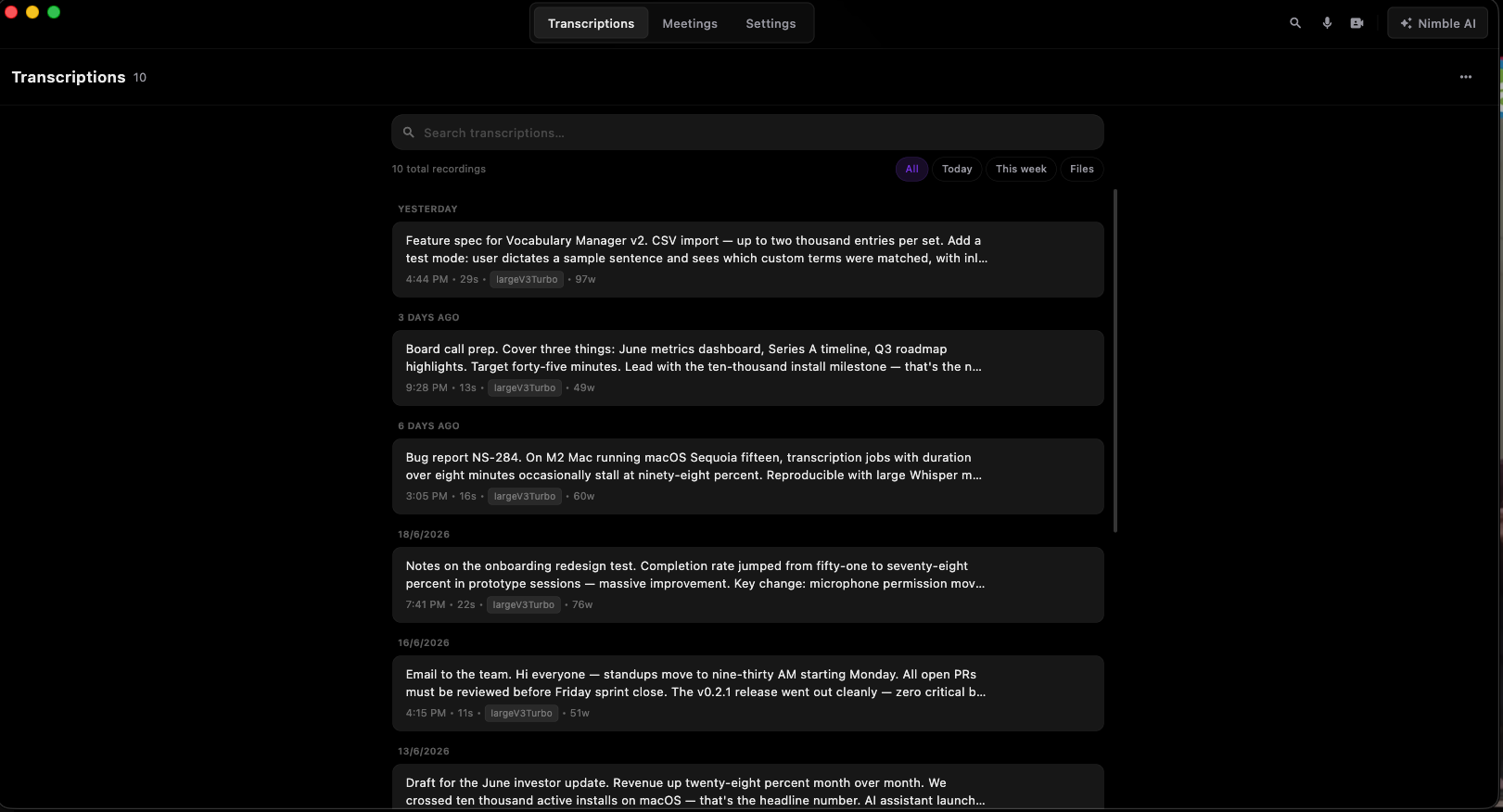
Live Transcription
Clean transcript view with real-time speech-to-text and editing.
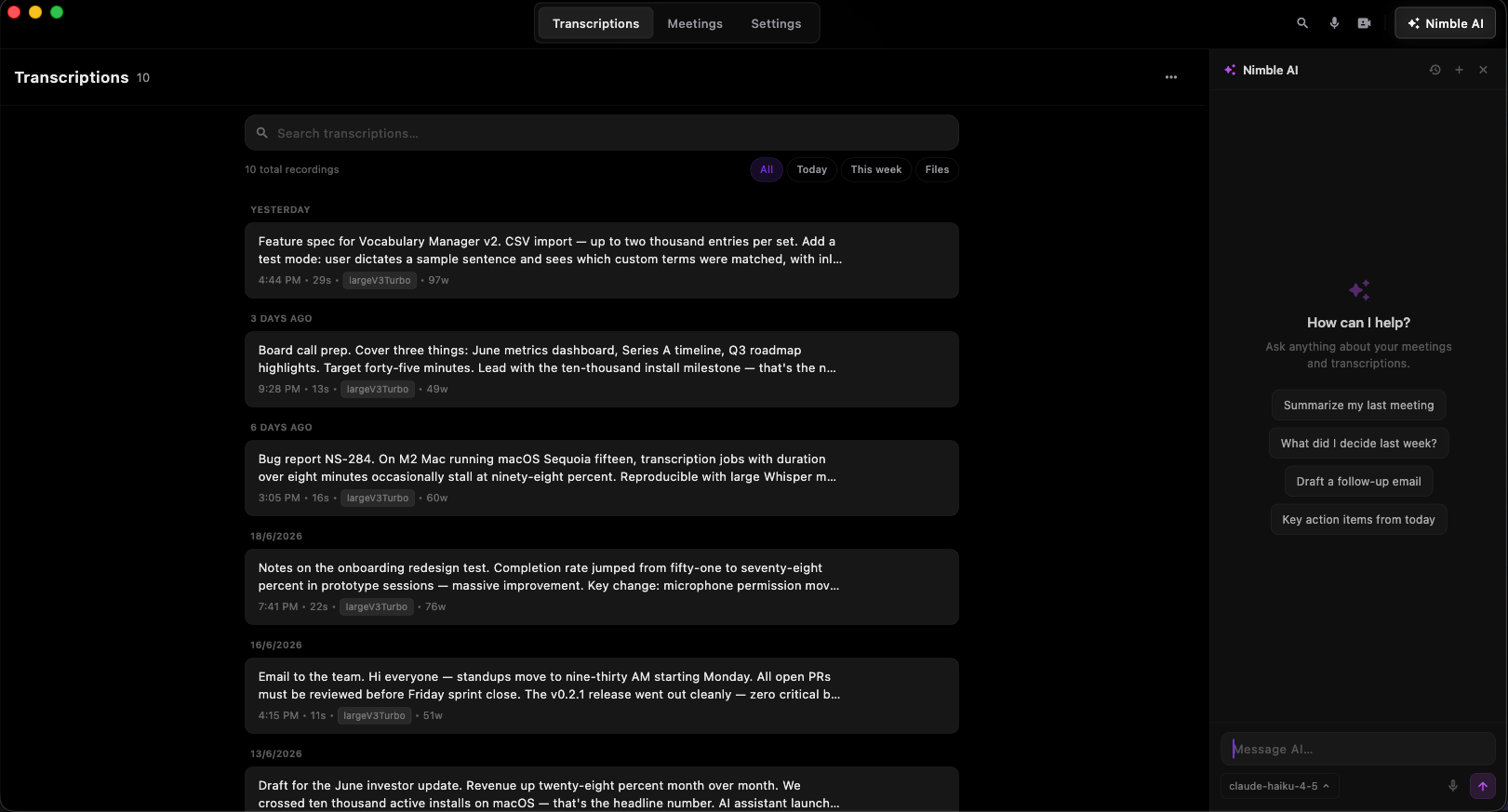
AI Assistant
Chat with your local Qwen2.5 model — no API key needed.
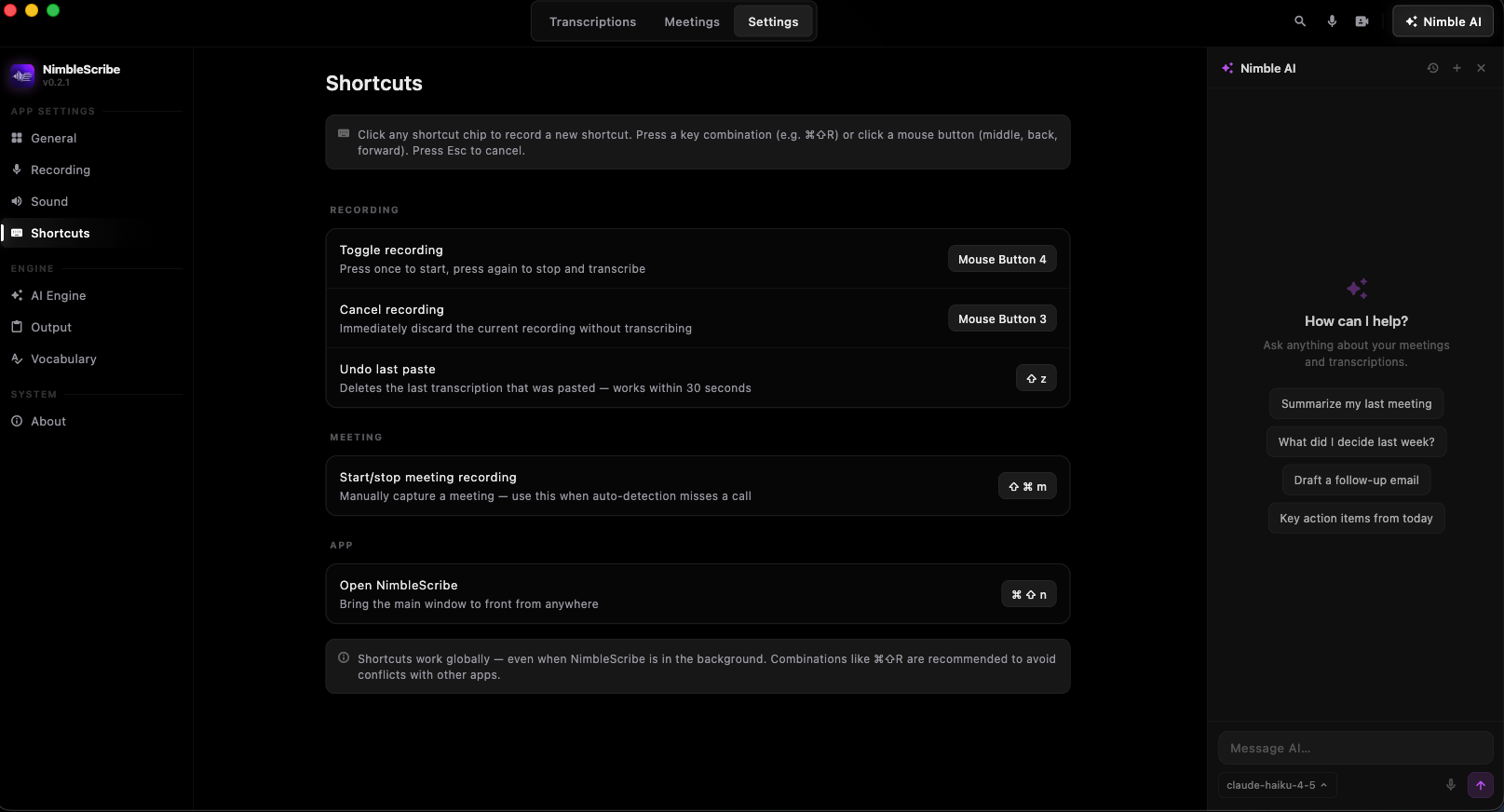
Global Shortcut
Press a key, speak, and text appears at your cursor in any app.
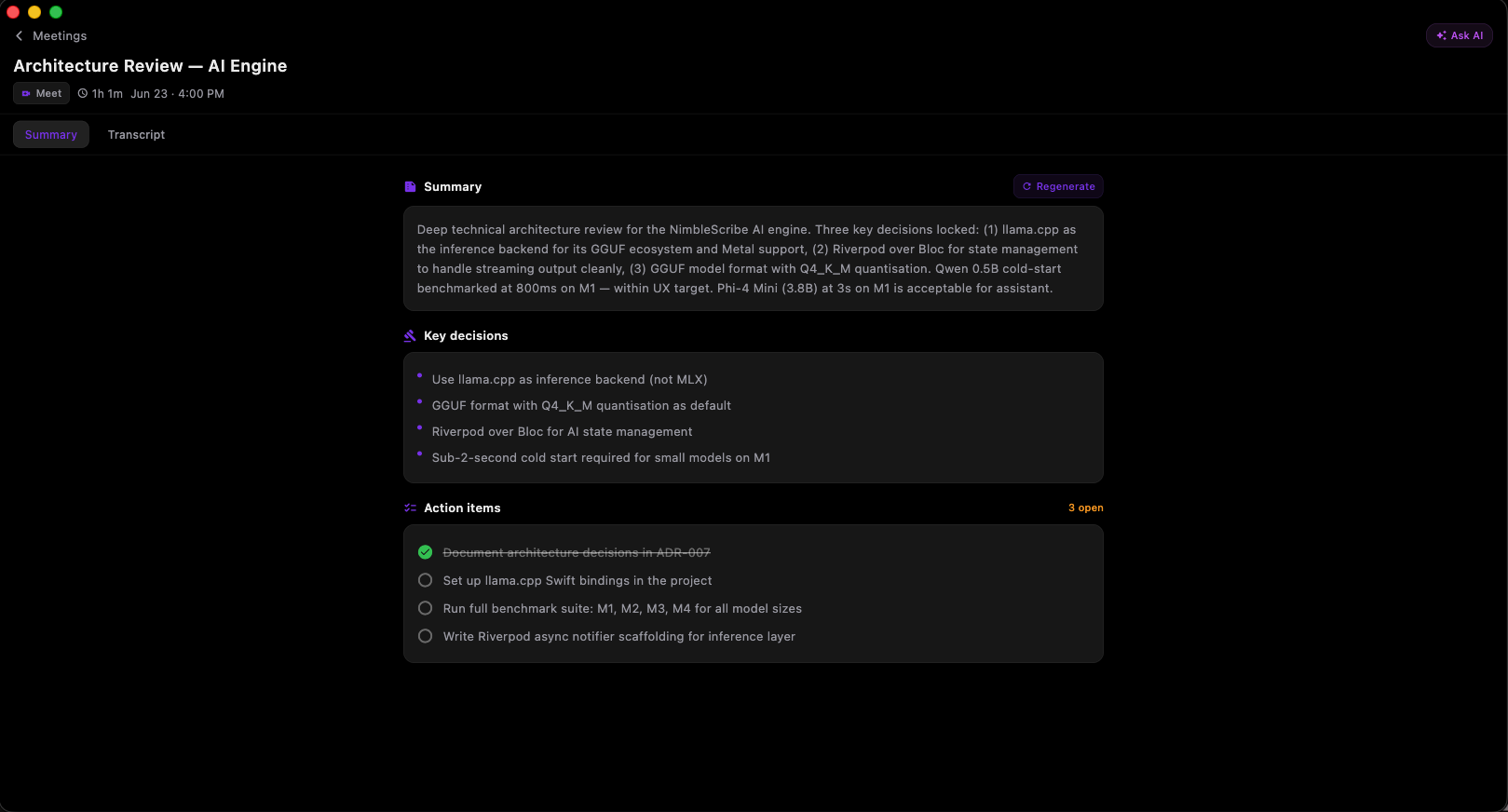
Meeting Summary
AI-generated summaries with key decisions and action items.
NimbleScribe has become my daily driver for capturing ideas, meetings, and inspiration — all offline and private. It ships as a native app on both macOS and Windows, and the zero-cloud model has been the defining feature that made it genuinely useful.